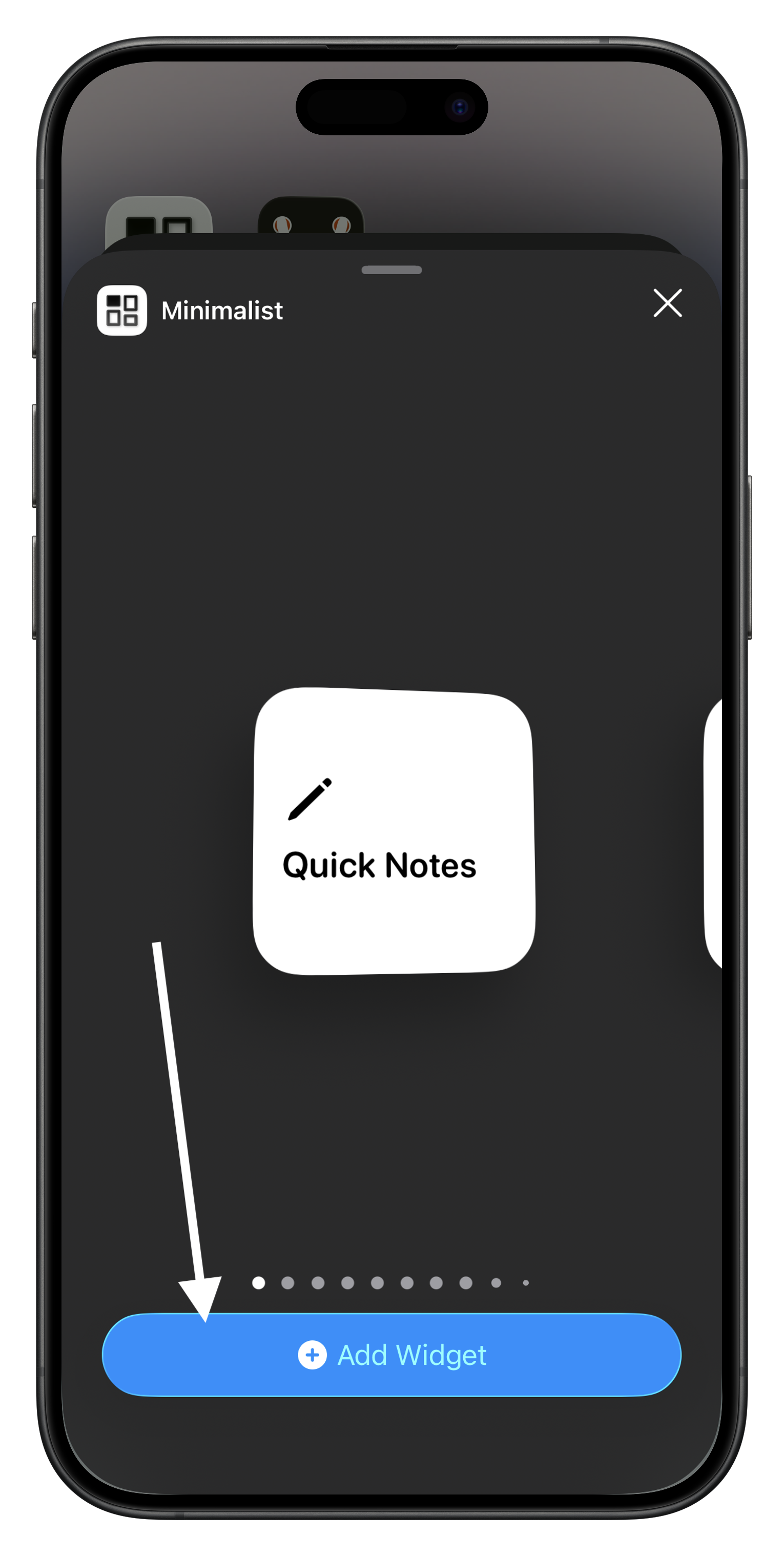
How to Add Widgets
Tutorial
-
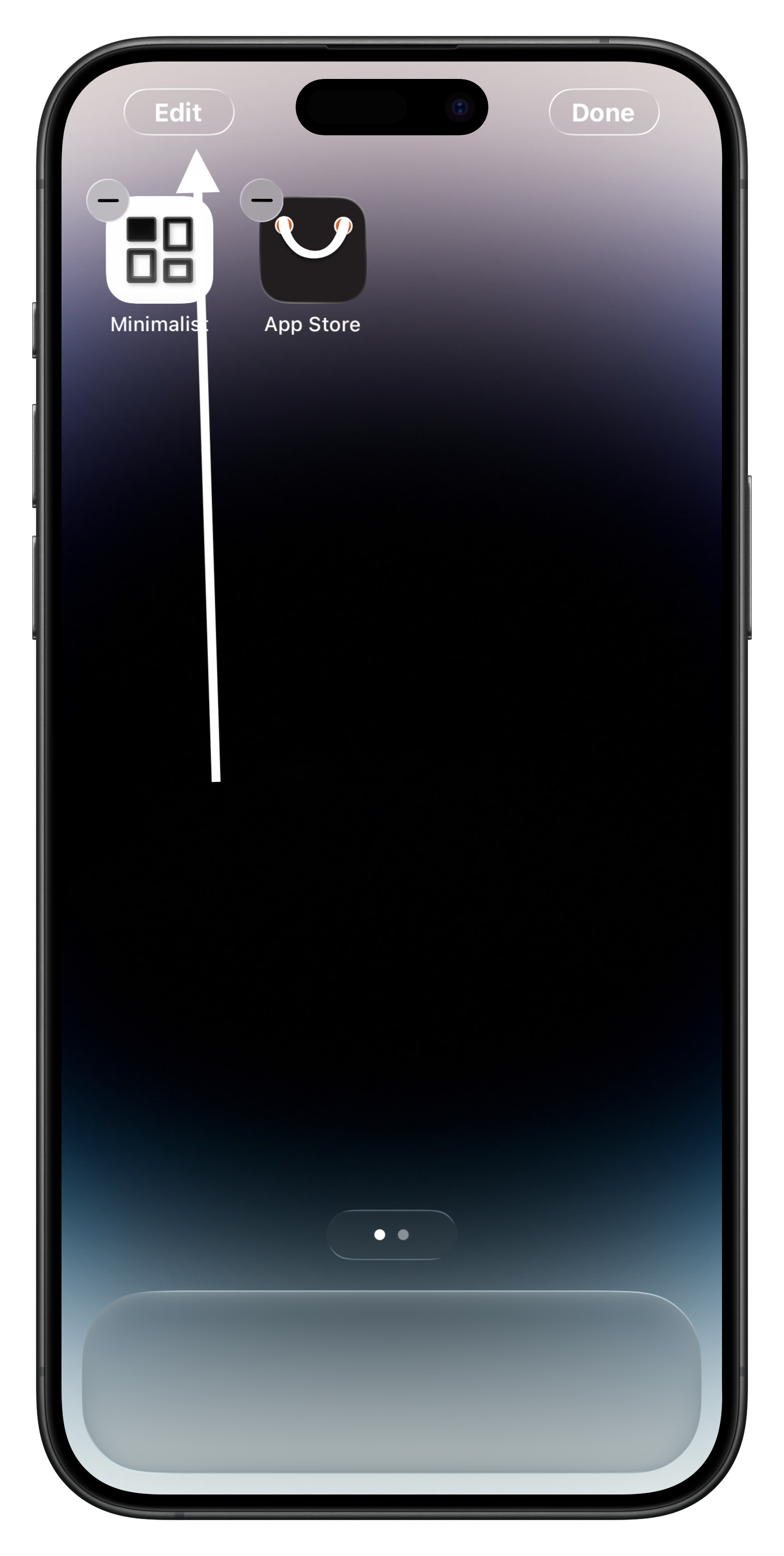
Press and hold any empty space on the Home Screen, then tap the
Edit button in the top-left corner.
-
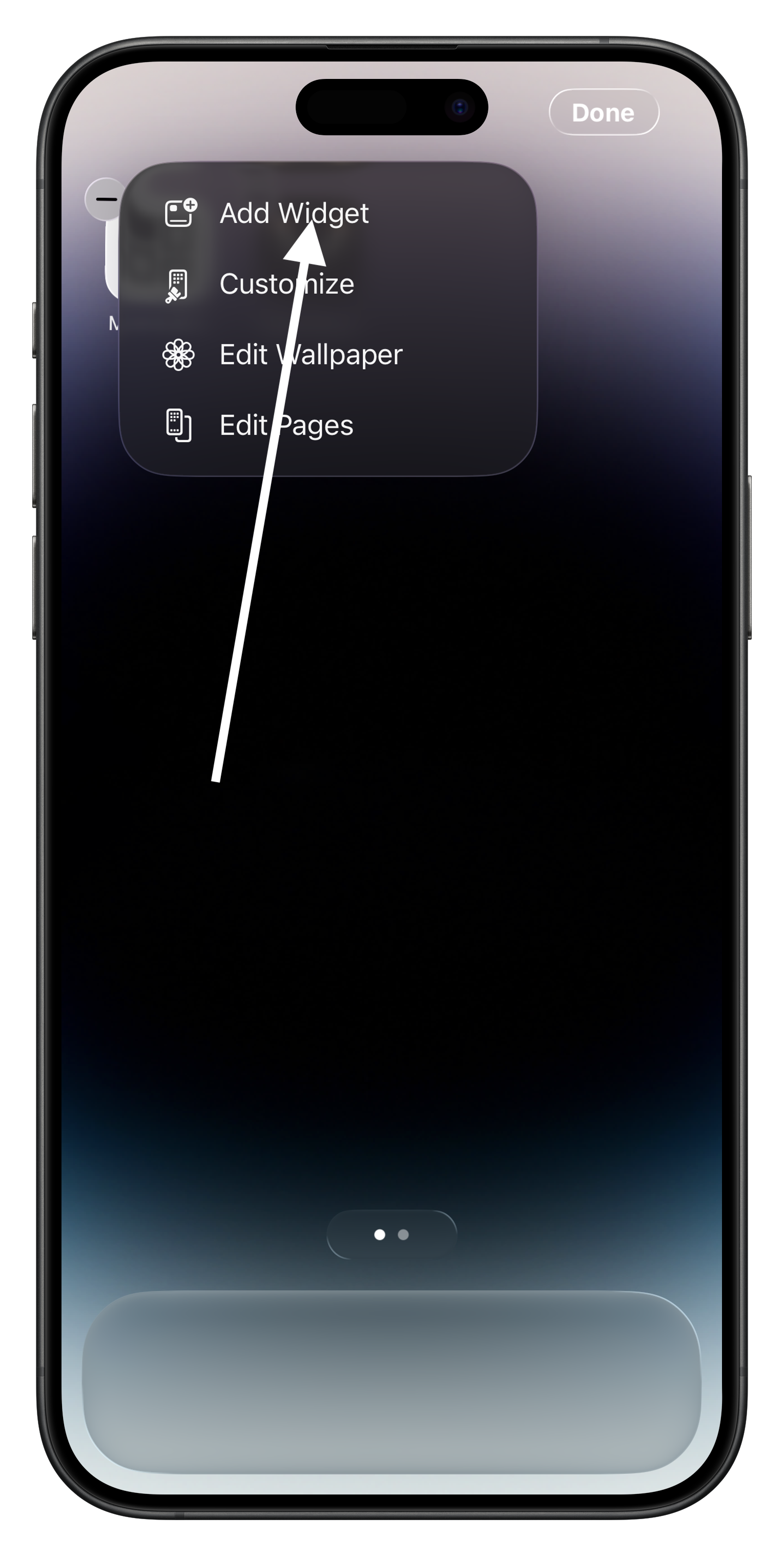
Select Add Widget from the pop-up menu.
-
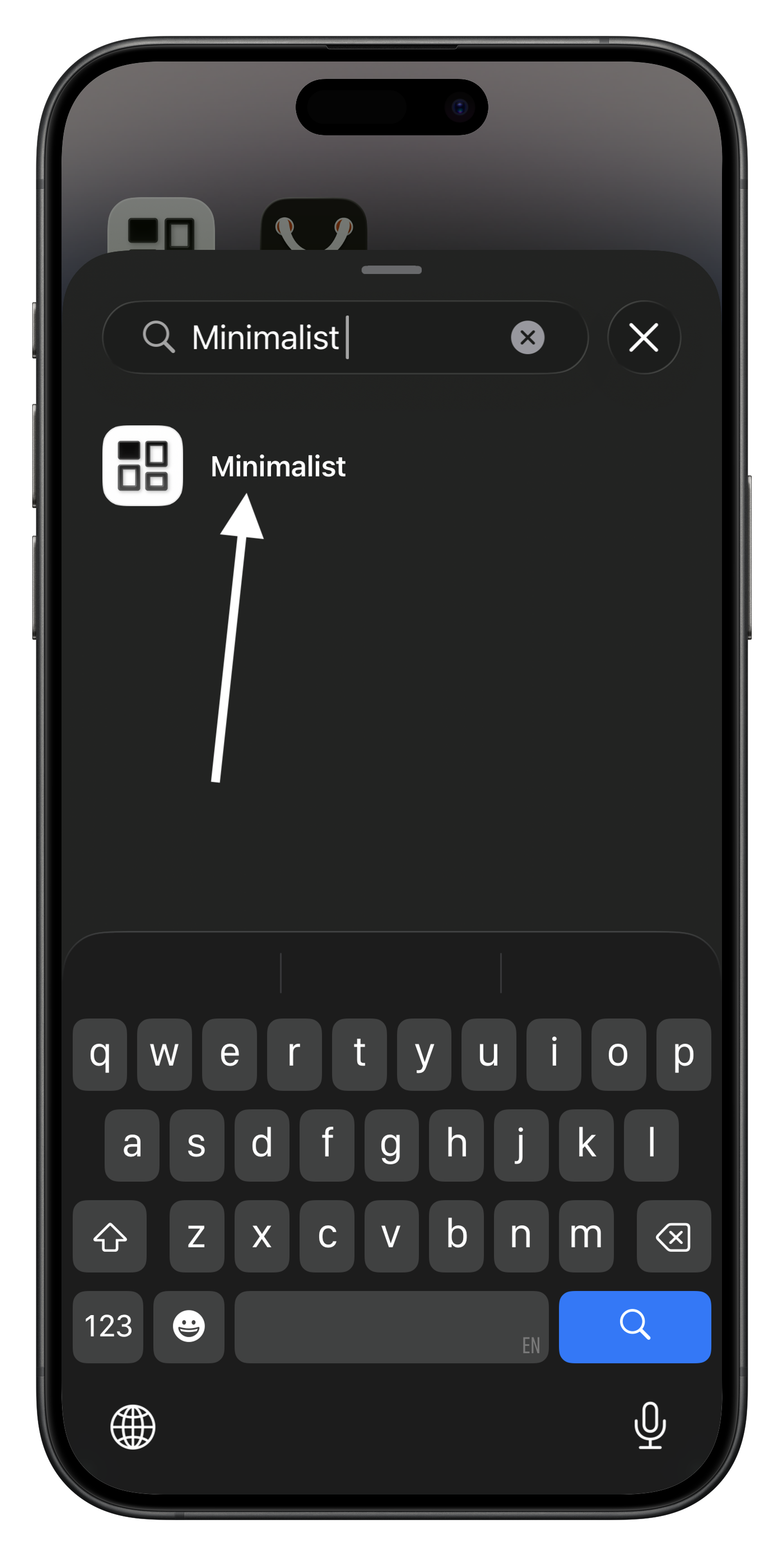
Enter Minimalist in the search bar.
-
Swipe to select the widget you want to use.